HomeDriversTouchpad

Touchpad drivers

Restore multi-finger gestures and fix erratic cursor movement.

Input Devices Windows 11, Windows 10 Reviewed Aug 18, 2026
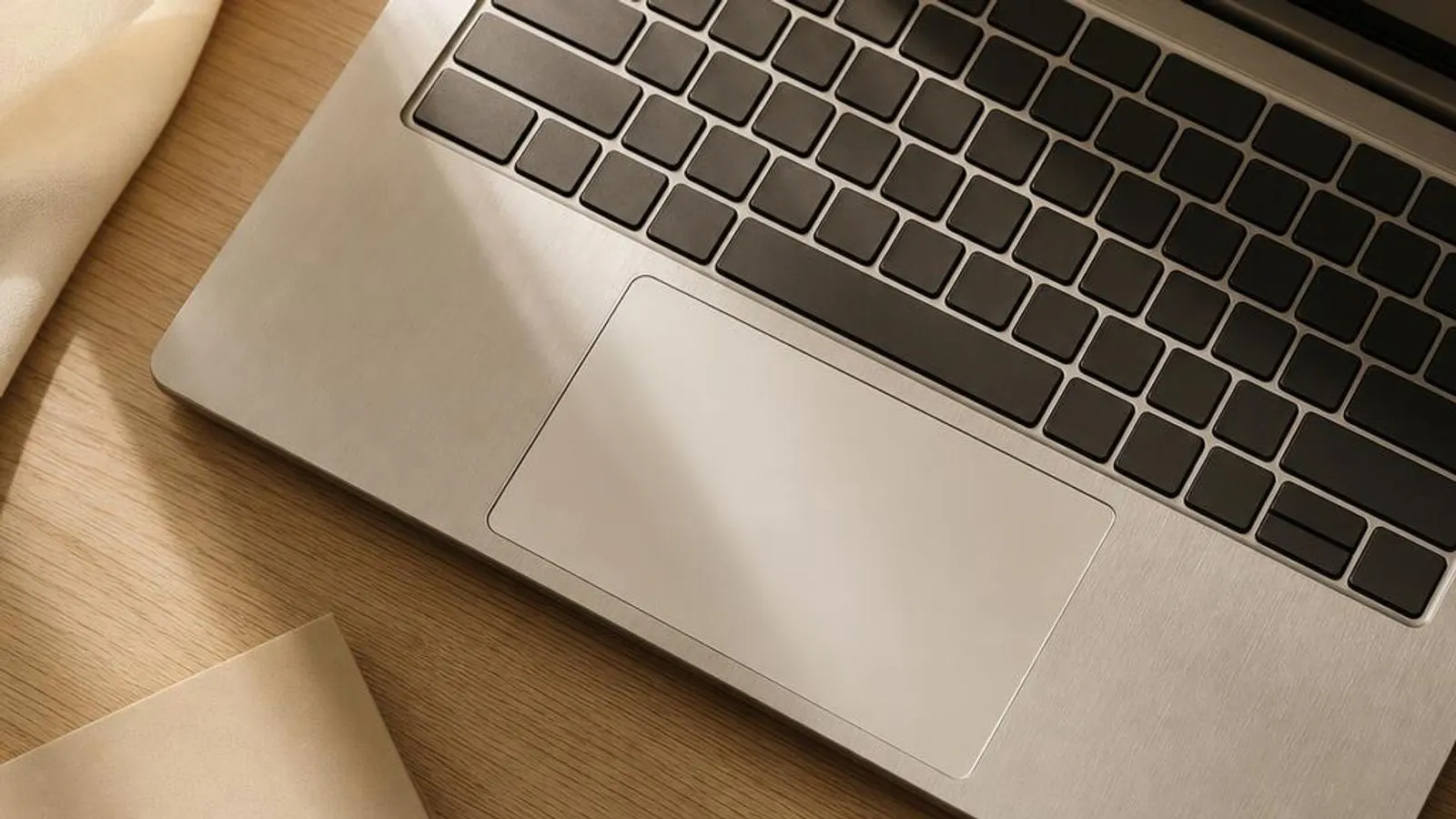
laptop touchpad in close three-quarter view shown with two-finger gesture indicated by soft contact circles

You might also need

Touchpad drivers we cover

What does a touchpad driver do?

A touchpad driver lets a flat capacitive surface act as a pointing device for a laptop. Beneath the pad is a grid of transparent conductive electrodes. When a finger approaches, it changes the capacitance at nearby grid intersections, and a touch controller measures those changes to locate each contact point. Unlike a mouse, the pad reports absolute positions, where each finger is on the surface, rather than relative motion, and it tracks several fingers at once for gestures.

On most laptops sold in the last several years the pad is a Windows Precision Touchpad. In this model the controller sends standardised absolute-coordinate HID reports, usually over an I2C bus using the HID over I2C protocol, and Windows itself interprets them. The inbox driver understands multi-contact reports, so two-finger scrolling, pinch zoom, three- and four-finger swipes and tap-to-click behave consistently and are configured under Settings, Bluetooth and devices, Touchpad.

Read the full touchpad driver explainer

Why keeping it updated matters

Touchpad driver updates fix concrete usability faults rather than promising a vague improvement. The most common is erratic behaviour while typing: a cursor that jumps into the middle of text is usually a palm-rejection failure that a corrected Precision driver or vendor update resolves. Another is gestures that stop working after a Windows feature update swapped a vendor driver for the generic one, or the reverse, leaving three-finger swipe and pinch zoom dead.

Sleep and resume behaviour also depends on the driver. A stale I2C HID or vendor touchpad driver can leave the pad unresponsive after the lid is reopened, or make tapping register but movement fail. Updating the touchpad and the chipset I2C controller driver together often restores clean wake handling. On some machines a driver update is the only way to add scrolling direction, tap sensitivity or two-finger scroll options that were missing.

Common warning signs of touchpad driver failure

  • The cursor jumps or text is inserted at random while typing, indicating a palm-rejection failure
  • Multi-finger gestures like three-finger swipe or pinch zoom stopped working after a Windows update
  • The touchpad is unresponsive after the laptop wakes from sleep until it is rebooted
  • Tap-to-click registers but sliding a finger no longer moves the cursor, or vice versa
  • The Windows Touchpad settings page is missing its gesture options because a non-Precision driver is loaded
  • Device Manager shows the touchpad or its I2C HID device with a code such as 10, 28 or 43

How to fix touchpad driver problems

1

Confirm the touchpad is enabled first

Check for an Fn key or a corner tap that toggles the pad off, and confirm it is on under Settings, Bluetooth and devices, Touchpad. Many dead-touchpad reports are simply a disabled pad or an auto-disable-when-mouse-connected option, not a driver fault at all.

2

Reinstall the touchpad in Device Manager

Open Device Manager, expand Human Interface Devices and Mice and other pointing devices, right-click the I2C HID device or touchpad entry and choose Uninstall device. Reboot so Windows redetects it, which rebuilds the Precision or vendor driver binding and clears many gesture and tracking faults.

3

Refresh the driver through Windows Update

Open Settings, go to Windows Update, click Check for updates, then Advanced options and Optional updates. Install any listed touchpad or chipset I2C controller driver and reboot. Because the pad speaks HID over I2C, the chipset serial-bus driver being current matters as much as the touchpad driver itself.

4

Install the vendor package for missing settings

If gestures or tap options are absent, or the pad is a non-Precision model, install the Synaptics or ELAN package from your laptop maker's support page for your exact model. Reboot so the vendor driver and its control panel load and the gesture configuration becomes available.

See every step in detail

Helpful guides

Frequently asked questions

Why does my laptop cursor jump around while I'm typing?

A cursor that leaps into your text mid-sentence is a palm-rejection failure: the driver is misreading a resting palm as a deliberate touch. Update the touchpad driver, or on a Precision pad raise the touch sensitivity delay under Settings, Touchpad. If it began after a Windows update, reinstall the vendor Synaptics or ELAN package the laptop maker validated for your model.

Why did my touchpad gestures stop working after a Windows update?

A feature update can replace a vendor touchpad driver with a generic one that lacks multi-finger gesture support, or swap a Precision driver so its settings page loses options. Reinstall the correct driver from your laptop model's support page, and check Optional updates in Windows Update for the touchpad and chipset I2C controller, then reboot.

How do I tell if my laptop has a Windows Precision Touchpad?

Open Settings, then Bluetooth and devices, then Touchpad. If Windows shows the line stating your PC has a precision touchpad and offers full gesture and sensitivity controls, it is Precision and Windows interprets the pad directly. If those options are missing, the laptop uses a legacy Synaptics or ELAN driver configured in a separate vendor control panel.