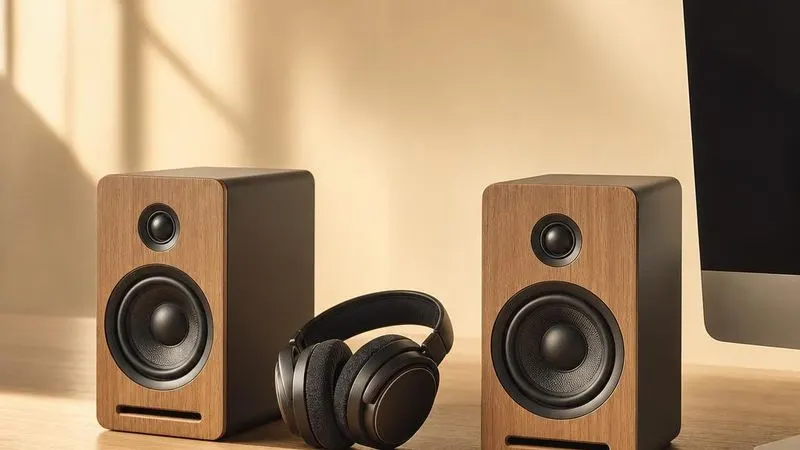
Audio & Display Family
Graphics cards, monitors, webcams, and sound devices.
Device categories
Graphics
GPU driver architecture, graphics APIs, memory management, and multi-monitor display interfaces.
Audio
Onboard audio codecs, Windows audio endpoints, digital sampling, and microphone input paths.
Display/Monitor
Color profiles (ICMs) and refresh rate definitions for displays.
HDMI/Display Audio
Audio output drivers over HDMI or DisplayPort connections.
Sound Card
Dedicated sound card and DAC drivers for high-fidelity audio.
Webcam
UVC camera devices, image-processing pipelines, application video streams, and biometric camera interfaces.
Popular Audio & Display drivers
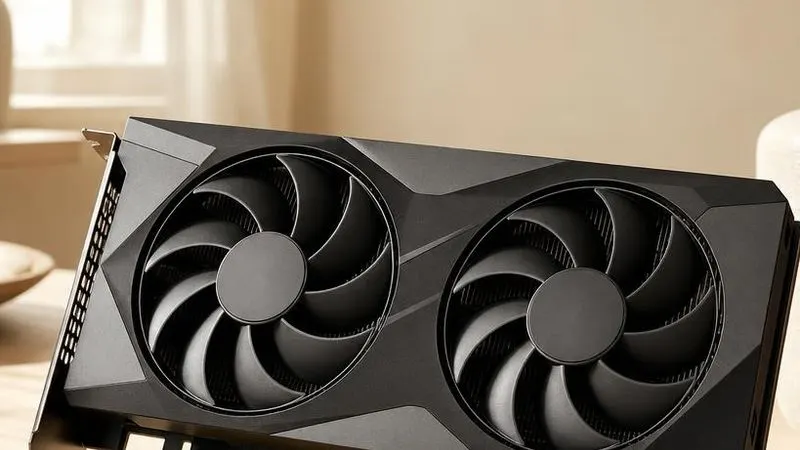
Graphics driver
The graphics driver connects Windows and applications to the GPU through WDDM, graphics APIs, memory management, and display-control interfaces.
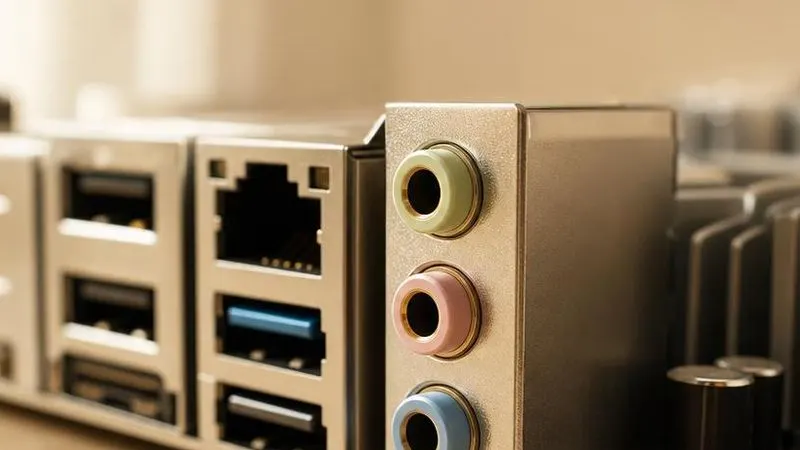
Audio driver
The audio driver connects an onboard High Definition Audio codec to the Windows sound stack, representing endpoints, formats, jack sensing, and sample buffers.
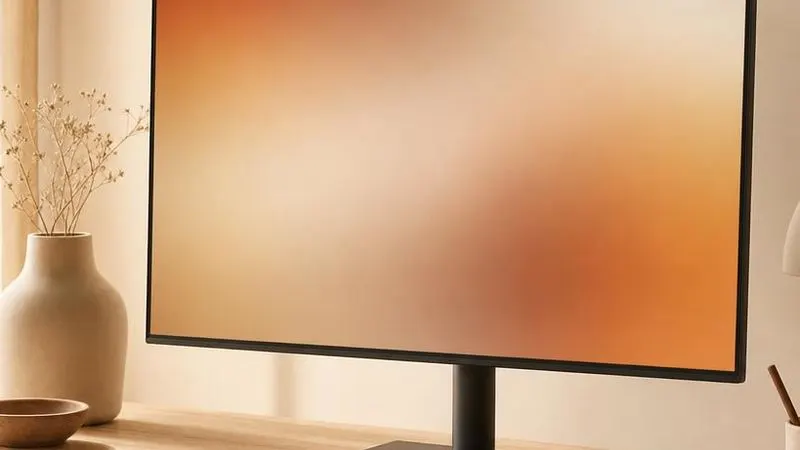
Display monitor driver
A monitor INF describes a panel to Windows, while EDID communicates supported timings and ICM profiles characterize colour reproduction.

HDMI display audio driver
The HDMI display audio driver exposes digital audio endpoints and carries sample streams alongside video over HDMI or DisplayPort.
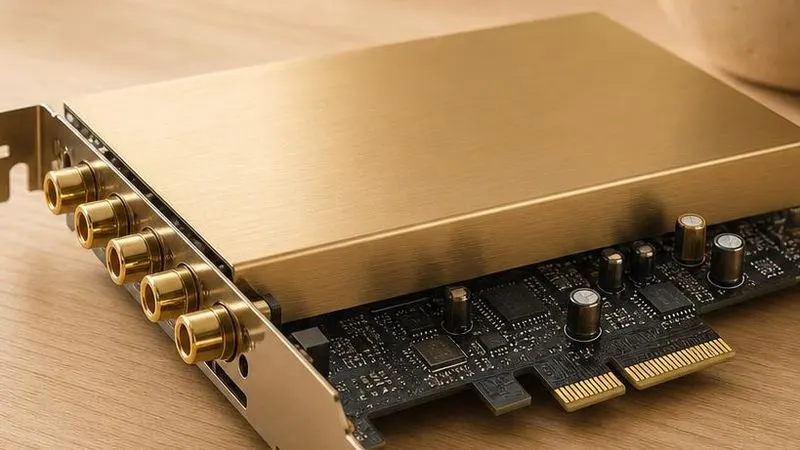
Sound card driver
A sound card driver operates a discrete PCIe or USB audio interface and exposes its converters, clocking, mixer, and ASIO or Windows audio endpoints.
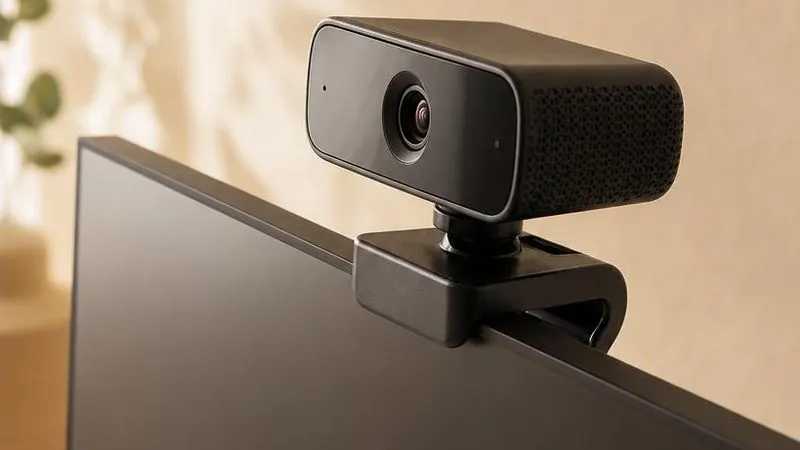
Webcam driver
A webcam driver operates a UVC camera and image signal processor, exposing video formats, controls, and frames to the Windows media pipeline.