HomeDriversSound Card

Sound Card drivers

Dedicated sound card and DAC drivers for high-fidelity audio.
Audio & Display Windows 11, Windows 10 Reviewed Aug 18, 2026
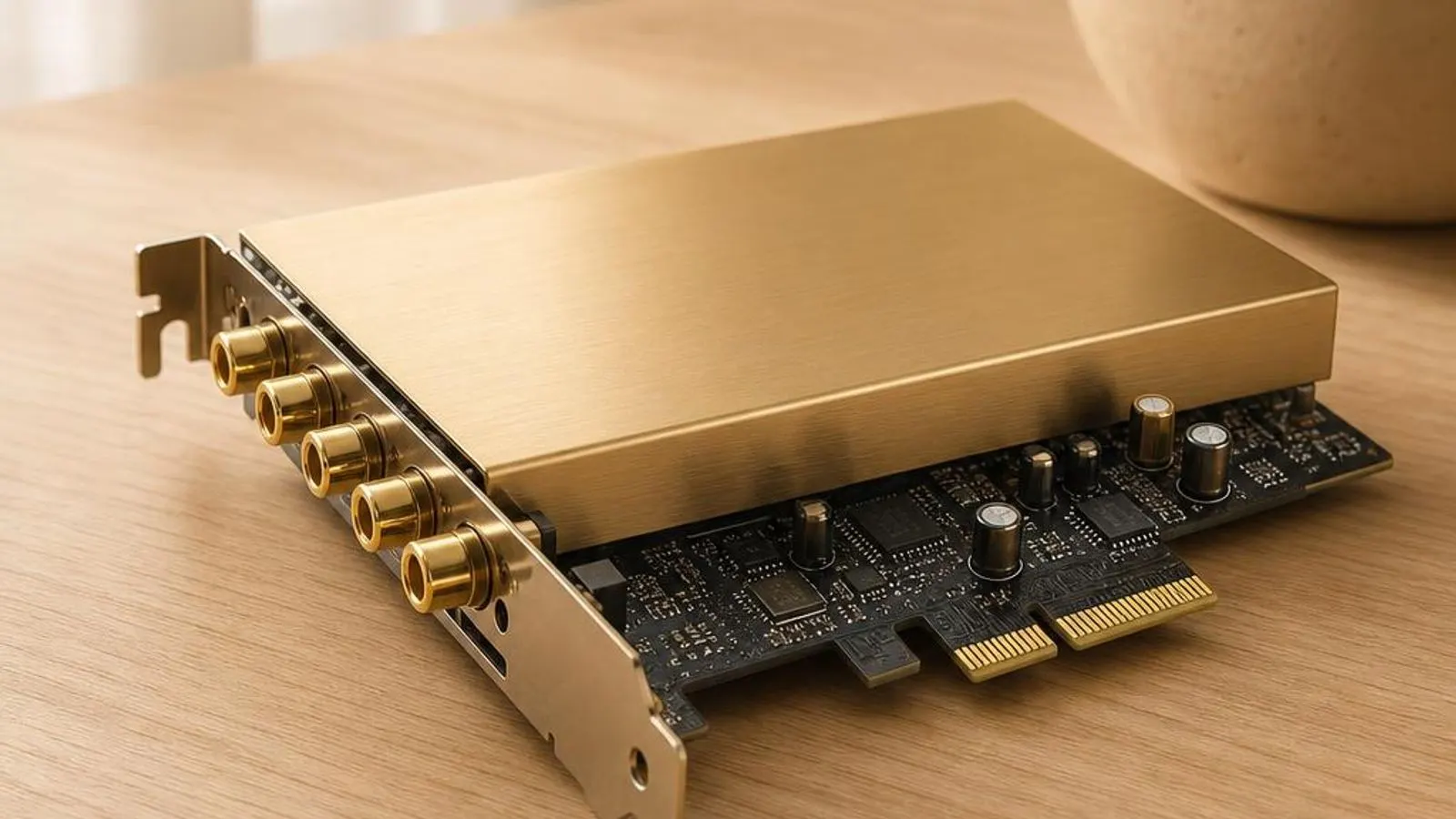
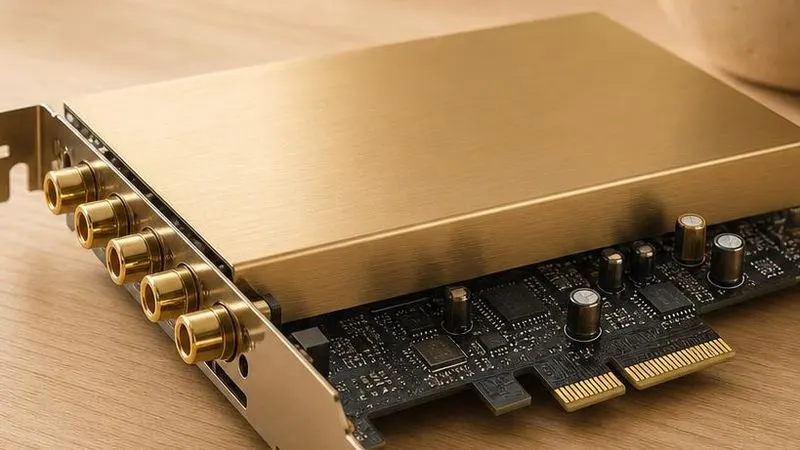
PCIe sound card shown with gold RCA and 3.5mm outputs, shielded op-amp section

You might also need

Sound Card drivers we cover
What does a sound card driver do?

A sound card driver operates a dedicated audio device that exists specifically to do better than the motherboard codec. Whether it is a PCI Express card seated in the machine or a USB or Thunderbolt audio interface on the desk, the hardware carries its own digital-to-analogue and analogue-to-digital converters, a headphone amplifier sized for demanding cans, and frequently balanced inputs and outputs for studio gear. The driver is what makes that dedicated hardware usable from Windows.

The driver exposes the card to Windows through the standard audio endpoint model, so a PCIe card or USB interface appears in the sound list just like any other output and input. On top of that shared path, most serious interfaces add a professional low-latency route through ASIO, the Audio Stream Input Output protocol, which lets a digital audio workstation talk to the hardware buffers almost directly and bypass the shared Windows mixer entirely.

Read the full sound card driver explainer

Why keeping it updated matters

For a music-production interface the driver version is not a nicety but a determinant of whether the rig works at all. New releases fix the buffer and clocking bugs behind clicks and dropouts, add support for higher sample rates, and keep the ASIO path aligned with digital audio workstation updates. A studio interface running an old driver against a freshly updated DAW is a classic recipe for crashes and glitching that a current driver resolves.

Windows feature updates shift the audio subsystem and the USB stack beneath the driver, and an interface driver that has not kept pace can lose its device entirely after a major upgrade. This is more acute for USB interfaces, where a change in the host controller driver can leave the interface enumerating but silent until its own driver is refreshed to match.

Common warning signs of sound card driver failure

  • The discrete sound card or USB interface is absent from the Windows sound list even though it is powered and connected
  • Clicks and dropouts appear during recording as the ASIO buffer underruns at a low buffer-size setting
  • The card shows a yellow triangle in Device Manager and reports a Code 10 failure to start after a Windows update
  • A digital input loses its clock lock, producing intermittent silence or a burst of noise on the S/PDIF or ADAT channel
  • The DAW cannot open the ASIO device because another application is holding the interface in exclusive mode
  • Phantom power or the headphone amplifier behaves erratically because the driver's control panel settings did not apply

How to fix sound card driver problems

1

Confirm the interface is enumerating

In Device Manager check Sound, video and game controllers for a PCIe card and also under USB or Audio inputs and outputs for a USB interface. If it is missing entirely, the fault is power, cable, or enumeration rather than the higher audio layers.

2

Read the device status for a Code 10

A yellow triangle with Code 10 means the driver failed to start the card. Open Properties to read the status text, then plan a clean reinstall; on a USB interface, a Code 10 after a Windows update often follows a change in the USB host controller driver.

3

Reinstall the interface driver cleanly

Uninstall the device with the delete-software option, unplug a USB interface, reboot, then install the model-specific package for your exact interface. Removing the old driver first clears the stale ASIO registration behind many DAW-cannot-open-device errors.

4

Tune the ASIO buffer size to stop dropouts

Open the interface's control panel and raise the buffer size. A larger buffer trades latency for stability and stops the underruns that cause clicks during recording; find the smallest buffer your session can sustain without glitching.

See every step in detail

Helpful guides

Frequently asked questions

Why does my USB audio interface disappear from Windows after a system update?

A Windows feature update can change the USB host controller driver beneath your interface, leaving it enumerating but silent or dropping it from the sound list until its own driver is refreshed. First try a different rear USB port and avoid unpowered hubs. Then reinstall the model-specific interface driver so it re-registers against the updated USB stack. If Device Manager shows the device with a Code 10, uninstall it with the delete-software option and reboot before reinstalling the current package for your exact model.

Why do I get clicks and dropouts when recording through my sound card?

Clicks during recording are ASIO buffer underruns: the buffer is too small for the system to keep filled, so the converter momentarily starves. Raise the buffer size in the interface control panel until the clicks stop, accepting a little more latency in exchange for stability. Background load matters too, so a network or storage driver spiking DPC latency can starve even a generous buffer. Find the smallest buffer your session sustains cleanly rather than pushing latency lower than the machine can support.

Why does my DAW say the ASIO device is already in use?

ASIO drivers typically grant exclusive access to the hardware, so only one application can hold the interface at a time. The message means another program, often a media player, a browser tab, or a second DAW, already opened the ASIO device. Close the other application, or set it to use the shared Windows audio path instead of ASIO. A stale ASIO registration left by an old driver can also block access, which a clean reinstall of the model-specific driver clears.