HomeDriversGraphics

Graphics drivers

Update GPU drivers for better gaming performance and multiple monitor support.

Audio & Display Windows 11, Windows 10 Reviewed Aug 18, 2026
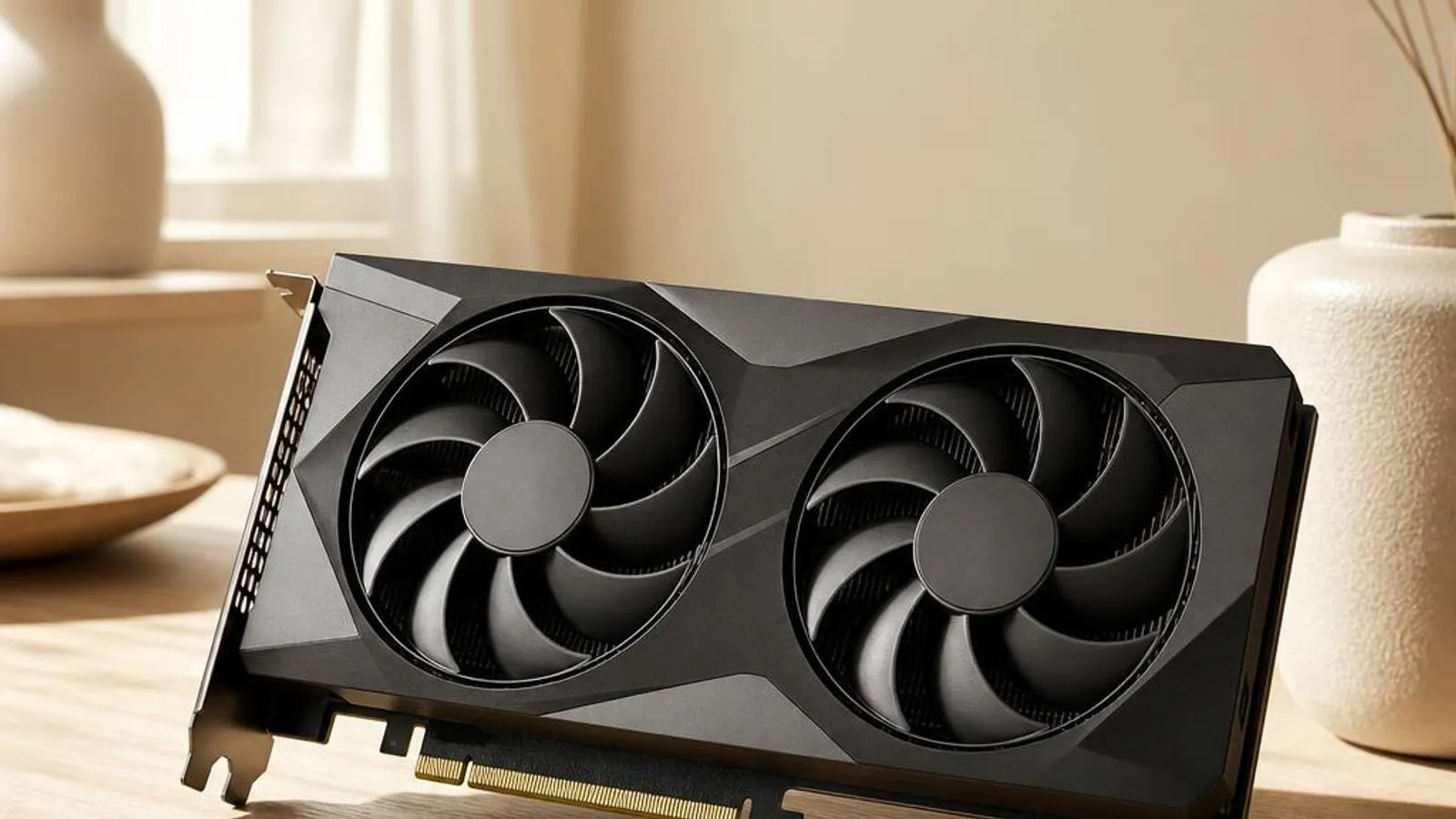
dual-fan graphics card, three-quarter view shown with PCIe edge connector, backplate, 8-pin power socket

You might also need

Graphics drivers we cover
What does a graphics driver do?

A graphics driver sits between the Windows Display Driver Model, known as WDDM, and the physical graphics processor on your board. When an application asks Direct3D or Vulkan to draw a triangle, that request travels down through the user-mode driver, is packaged into a command buffer, and is then submitted to the kernel-mode driver that talks to the GPU hardware directly. The driver decides where textures live in video memory, how the command queue is prioritised, and when the finished frame is scanned out to the panel.

Modern GPUs contain several distinct engines: shader cores for general programmable work, dedicated units for ray tracing acceleration, video decode and encode blocks, and a display controller that generates the pixel timings for HDMI and DisplayPort outputs. The graphics driver exposes each of these to Windows through a shared abstraction, so a browser compositing a page and a game rendering at 4K both funnel their work through the same scheduler without stepping on each other.

Read the full graphics driver explainer

Why keeping it updated matters

Graphics drivers change more often than almost any other component in a PC because game engines, creative applications, and the GPU vendors themselves ship optimisations on a monthly cadence. A driver that shipped with your machine two years ago may lack the shader compiler fixes a new title expects, producing corrupted geometry or crashes that a current build resolves. Keeping the driver current is the single most effective step for both performance and visual correctness.

Security is the second reason. The kernel-mode portion of a graphics driver runs at high privilege, so a parsing bug in how it handles a malformed shader or command buffer can become a route for privilege escalation. Vendors patch these flaws quietly inside routine driver releases, which is why an out-of-date graphics stack is a genuine attack surface rather than merely a performance concern.

Common warning signs of graphics driver failure

  • Windows logs a 'display driver stopped responding and has recovered' TDR event, then the screen flickers to black for a second before returning
  • Device Manager shows the GPU with a yellow exclamation mark and reports Code 43 after a Windows or driver update
  • Textures pop in late or the frame rate hitches whenever a 3D scene exceeds the available video memory budget
  • Ray-traced reflections render as noise or the game crashes to desktop the moment the effect is enabled
  • An external monitor on the DisplayPort output is not detected until the graphics driver is reinstalled
  • Screen tearing appears across the panel because the driver's frame pacing is out of step with the display refresh

How to fix graphics driver problems

1

Confirm the fault in Device Manager

Open Device Manager, expand Display adapters, and check the GPU entry. A yellow triangle with Code 43 means Windows has stopped the device after a fault; right-click it and choose Properties to read the exact status text before changing anything.

2

Reinstall the current graphics package

Right-click the display adapter, choose Uninstall device, and tick the box to remove the driver software. Reboot; Windows reloads a basic display driver and then pulls a matched graphics package from Windows Update, which clears most corrupted-install faults.

3

Boot into Safe Mode if the screen is unusable

If repeated TDR resets or a black screen block normal use, hold Shift while selecting Restart, then choose Safe Mode. Windows loads only the Microsoft Basic Display Adapter, giving you a stable picture in which to uninstall the failed graphics driver.

4

Adjust or clear the TDR delay for diagnosis

Persistent 'stopped responding and has recovered' events point at a hang rather than a crash. Test with a lighter workload and a cooler GPU; if resets vanish under light load, the fault is thermal or power related rather than a pure driver defect.

See every step in detail

Error codes linked to this hardware

Helpful guides

Frequently asked questions

Why does my graphics card show Code 43 in Device Manager after a driver update?

Code 43 means Windows received a fault report from the GPU and has stopped the device to protect the system. After an update it usually signals a corrupted install or a mismatch between the driver branch and your card. Uninstall the display adapter with the delete-software box ticked, reboot so Windows loads the basic display driver, then let a certified package come down through Windows Update. If the fault survives a clean reinstall and appears under load, suspect a hardware or power problem rather than the driver alone.

What does 'display driver stopped responding and has recovered' actually mean on my GPU?

That message is Windows reporting a Timeout Detection and Recovery, or TDR, event. When the GPU fails to acknowledge a submitted command packet within about two seconds, Windows assumes it has hung, resets the graphics stack, and restarts it. A single event is usually harmless; repeated resets point to an unstable overclock, insufficient power, overheating, or a genuine driver defect. Test with a lighter workload and a cooler card to tell a thermal fault apart from a driver bug.

Should I update my graphics driver for every new game I install?

No. Update only when a specific title lists a minimum driver version or you see the visual glitches a newer shader compiler fixes. Reflexively chasing every release increases the chance of hitting a regression on your particular card and panel. When a game does need a fresh build, look at the support page for your exact GPU or PC model, verify the new driver behaves across your usual scenes, and keep the old version ready for rollback.