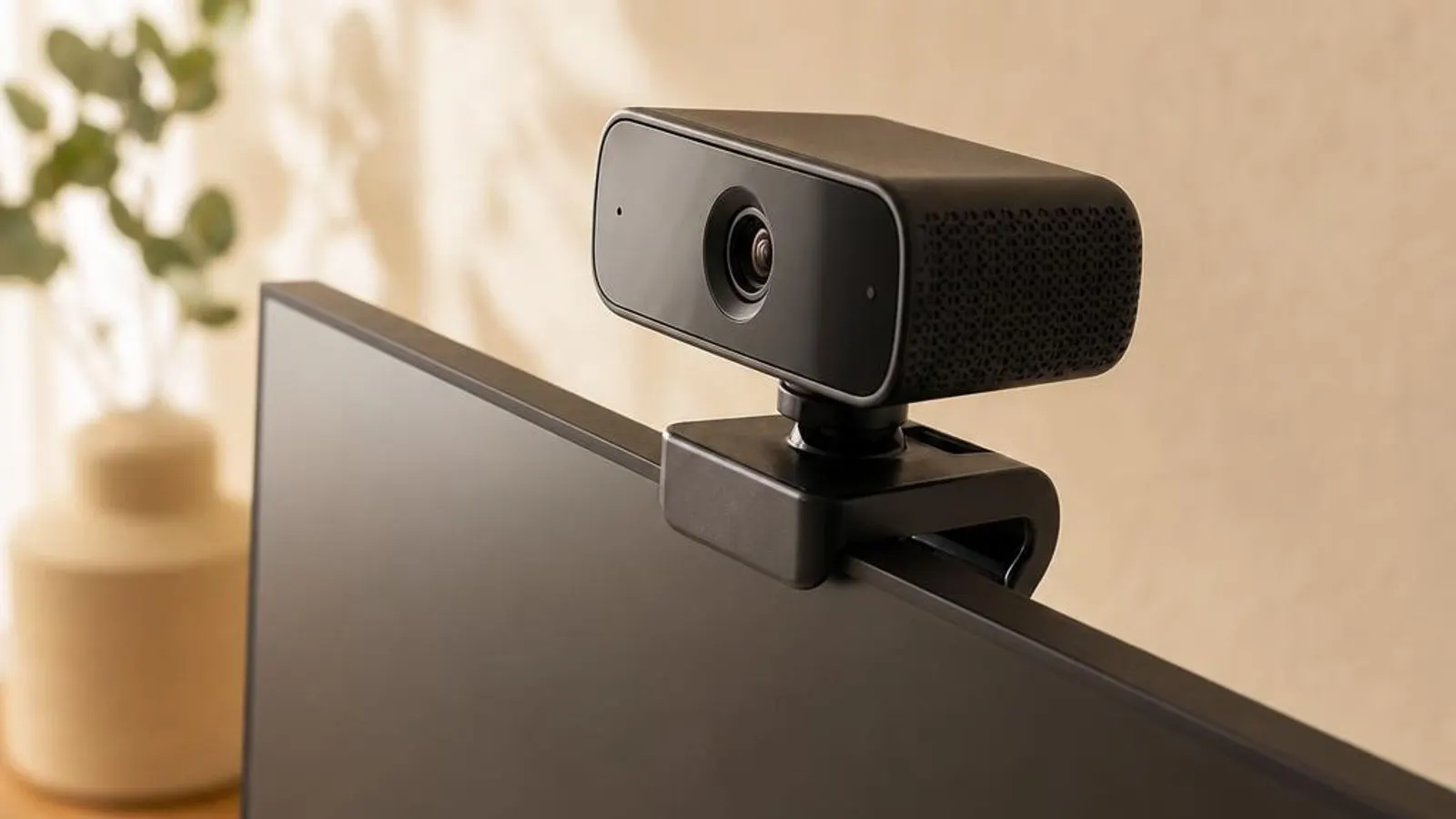
Webcam drivers
Fix black screens in Zoom/Teams and Windows Hello face recognition.

You might also need
Webcam drivers we cover
What does a webcam driver do?
A webcam driver operates a camera built around an image sensor, a lens, and an image signal processor, or ISP. The sensor captures raw light as a grid of pixel values, and the ISP transforms that raw data into a clean, viewable image by applying exposure control, white balance, noise reduction, and colour correction. The driver programmes the ISP and delivers the finished frames to Windows and to whatever conferencing or capture application has opened the camera.
Most webcams, whether an integrated laptop module or an external USB camera, conform to the USB Video Class, known as UVC. UVC is a standard that lets Windows drive a compliant camera with its inbox driver, without a vendor package, which is why a new webcam usually produces a picture the moment it is plugged in. The driver negotiates resolution, frame rate, and pixel format with the camera and exposes the supported combinations to applications.
Why keeping it updated matters
Webcam trouble is disproportionately about privacy settings and application permissions rather than the driver itself, but when the driver is genuinely at fault an update is the cure. Camera vendors fix ISP bugs that cause washed-out exposure or a green tint, correct frame-rate negotiation that stutters video, and repair the enumeration faults that make a camera vanish after a Windows upgrade. A current driver clears the class of problems that live in the imaging pipeline.
Windows feature updates change the camera frame server and the USB stack the webcam depends on, and an old driver can fall out of step, producing a device that enumerates but delivers no image. This is especially common after a major Windows upgrade, where refreshing the camera driver realigns it with the new frame-server model and restores the picture to every application at once.
Common warning signs of webcam driver failure
- The camera preview is a solid black image even though the app reports the webcam as connected and in use
- Windows shows the camera with a yellow triangle and a Code 10 start failure after a feature update
- A second application cannot open the camera because it is already held exclusively by another program
- The image is washed out, too dark, or has a green tint because the ISP exposure and white balance are mis-set
- The webcam is missing from the app's device list until the UVC driver is reinstalled or re-enumerated
- Windows Hello facial sign-in fails because the infrared camera stream is not reaching the secure recognition path
How to fix webcam driver problems
Verify camera privacy and app permissions
Open Settings, Privacy and security, Camera, and confirm camera access is on for the system and for the specific app. A blocked toggle here produces a black image or a missing camera that looks exactly like a driver fault, so this check comes first.
Rule out a physical shutter or kill switch
Many laptops have a sliding privacy shutter over the lens or a function-key camera kill switch. A closed shutter or an engaged switch makes the driver correctly report a present camera delivering a black frame, so check the hardware before touching the software.
Reinstall the UVC driver
In Device Manager, under Cameras or Imaging devices, right-click the webcam, choose Uninstall device, and reboot. Windows reloads the inbox UVC driver and re-enumerates the camera, which clears a corrupted install and restores a missing device.
Release an exclusive hold on the camera
If an app reports the camera in use, close every other program that could hold it, including background conferencing apps in the system tray. Only one application can own a UVC stream at a time, so a stray holder blocks all others until it releases.
Error codes linked to this hardware
Helpful guides

Should You Use Driver Updater Software?
Driver updater tools promise one-click fixes but add risk. Here's what they really do, when they cause problems, and the safe way to check drivers yourself.

DCH vs Legacy Drivers in Windows 10/11
DCH drivers split hardware support from control-panel apps in Windows 10/11. Why the change happened and how to tell which type you have.

How to identify unknown devices with hardware IDs
A practical walkthrough for naming every mystery entry in Device Manager using hardware IDs, driver details, and Windows' built-in tools.
Frequently asked questions
Why is my webcam showing a black image even though the app says it is connected?
A black image with the camera reported as connected almost always means frames are being blocked rather than the driver being broken. Check three things in order: a physical privacy shutter or a function-key kill switch on a laptop, the Windows camera privacy setting under Settings, and the per-app permission for the program you are using. Only if all of those are clear should you reinstall the UVC driver. The camera is delivering black frames on purpose when a shutter is closed or access is blocked.
Why does my webcam show Code 10 in Device Manager after a Windows update?
Code 10 means the driver could not start the camera, and after a feature update it usually reflects the camera frame server or USB stack changing beneath an old driver. Uninstall the device under Cameras or Imaging devices and reboot so Windows reloads the inbox UVC driver and re-enumerates the camera. If the fault persists, install the current model-specific package for your exact camera. On a USB webcam, moving it to a direct rear port also rules out a bandwidth or power problem masquerading as Code 10.
Why can only one app use my webcam at a time?
A UVC camera stream is opened exclusively, so once one application holds the camera no other program can open it until the first releases. When a second app reports the camera as in use or unavailable, a background conferencing tool in the system tray is usually the hidden holder. Close every program that could be using the camera, including minimised ones, and the stream becomes available. Windows can share a single camera to some system effects, but general application access remains one at a time.