Card Reader drivers
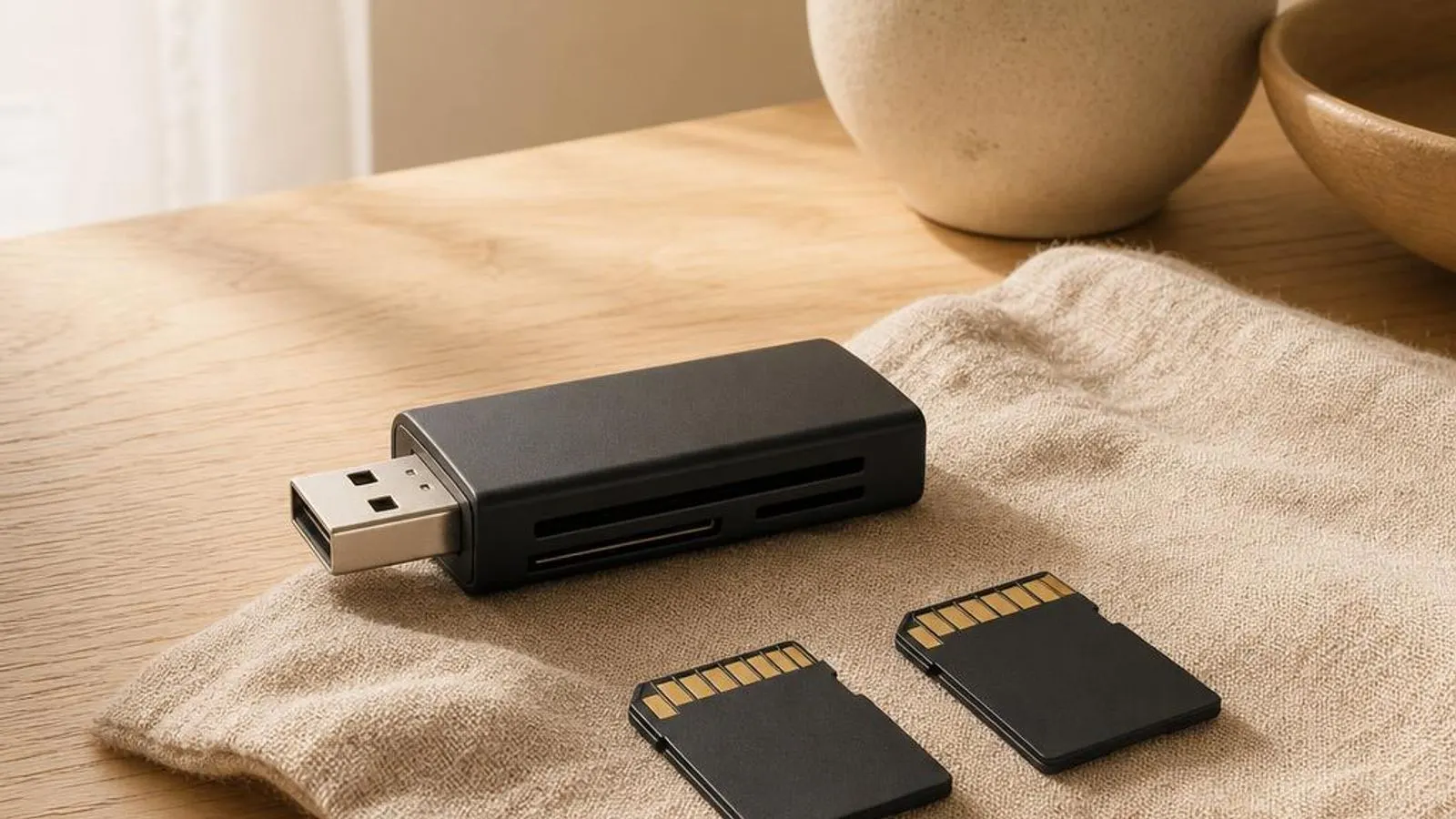
SD and MicroSD card reader drivers for laptops and desktops.
You might also need
Card Reader drivers we cover
What does a card reader driver do?
An SD card reader is not simple storage; it is a host controller that implements the SD Association's electrical and command protocol on one side and presents a standard removable disk to Windows on the other. On laptops the controller is typically a Realtek or Genesys part reached over PCIe or an internal USB link, and the driver is what lets Windows enumerate it, detect card insertion, and read and write blocks. Without a matching driver the reader either does not appear at all or shows as an unknown device.
The first real job is identifying the card and negotiating the bus. When a card is inserted, the controller runs the SD initialisation handshake to learn the card type, SDSC, SDHC, or SDXC, its capacity, and the speed modes it supports. The driver then selects a bus width and clock: default speed, high speed, or a UHS-I mode such as SDR104. A mismatch here is exactly why a fast UHS-I card can end up capped at old high-speed rates.
Why keeping it updated matters
Card reader drivers are unglamorous but they decide whether a reader works at all and how fast. A refreshed Realtek or Genesys driver frequently restores a reader that vanished after a Windows feature update, because the OS servicing changed the internal USB or PCIe enumeration the older driver assumed. Reappearance after a driver refresh is one of the most common resolutions for a missing reader.
Speed and mode support improve with updates. Support for UHS-I modes such as SDR104, correct clock negotiation, and the higher UHS-II pin layout on the readers that offer it all depend on driver logic; an outdated build can silently drop a fast card to a slow mode. Where a reader is capable of more than default speed, a current driver is what unlocks it.
Common warning signs of card reader driver failure
- The SD card reader is absent from File Explorer and shows no controller or an unknown device in Device Manager
- An inserted card prompts 'You need to format the disk before you can use it' even though it holds data
- A UHS-I card that should exceed 90 MB/s is capped near 20 MB/s at legacy high-speed rates
- Large file copies to a card fail or corrupt partway as USB selective suspend cuts power to the reader
- A full-size SD card mounts read-only because the physical write-protect switch is set or misread
- The reader mounts and unmounts a card repeatedly on insertion due to a hot-insertion detection race
How to fix card reader driver problems
Locate the reader in Device Manager
Open Device Manager and look under Memory technology devices and under Universal Serial Bus controllers, since internal readers often appear as USB devices. A yellow triangle or missing entry tells you whether this is a driver problem or the controller not being detected at all.
Reinstall the matched reader driver
Uninstall the SD host controller entry, reboot, and let Windows redetect it, or install the Realtek or Genesys package listed for your laptop model. Matching the driver to the silicon is what restores a reader that vanished after a Windows feature update.
Disable selective suspend for the reader
If copies fail partway, open the reader's USB root hub in Device Manager, go to Power Management, and clear 'Allow the computer to turn off this device to save power'. This stops the link losing power mid-transfer and corrupting a large file.
Fix a 'needs formatting' card without data loss first
Before formatting, run chkdsk on the card's drive letter to repair a damaged file system, and try data-recovery software if files matter. Only if the card is genuinely corrupt should you format it, choosing exFAT for SDXC or FAT32 for SDHC.
Helpful guides

Should You Use Driver Updater Software?
Driver updater tools promise one-click fixes but add risk. Here's what they really do, when they cause problems, and the safe way to check drivers yourself.

DCH vs Legacy Drivers in Windows 10/11
DCH drivers split hardware support from control-panel apps in Windows 10/11. Why the change happened and how to tell which type you have.

How to identify unknown devices with hardware IDs
A practical walkthrough for naming every mystery entry in Device Manager using hardware IDs, driver details, and Windows' built-in tools.
Frequently asked questions
Why does my laptop's SD card reader not show up in File Explorer at all?
An absent reader usually means the SD host controller driver failed to load, often after a Windows feature update changed how the internal USB or PCIe reader enumerates. Check Device Manager under both Memory technology devices and USB controllers, then reinstall the matched Realtek or Genesys driver for your laptop model to bring it back.
Why does my SD card suddenly ask to be formatted when it still has photos on it?
That prompt means Windows cannot read the file system, not necessarily that the data is gone. A corrupt FAT32 or exFAT structure, or an interrupted write, is the usual cause. Run chkdsk on the card's drive letter to repair it, and try recovery software before formatting, since formatting is what actually erases the card.
Why is my UHS-I card capped at around 20 MB/s in the built-in reader?
The reader has dropped to legacy high-speed mode instead of negotiating a UHS-I mode such as SDR104. This is usually an outdated or generic driver, or a controller that lacks UHS-I support. Installing the vendor driver may unlock the faster mode; if not, an external UHS-I reader will reach the card's rated speed.
