HomeDriversGame Controller

Game Controller drivers

Xbox, PlayStation, and third-party gamepad drivers.
Input Devices Windows 11, Windows 10 Reviewed Aug 18, 2026
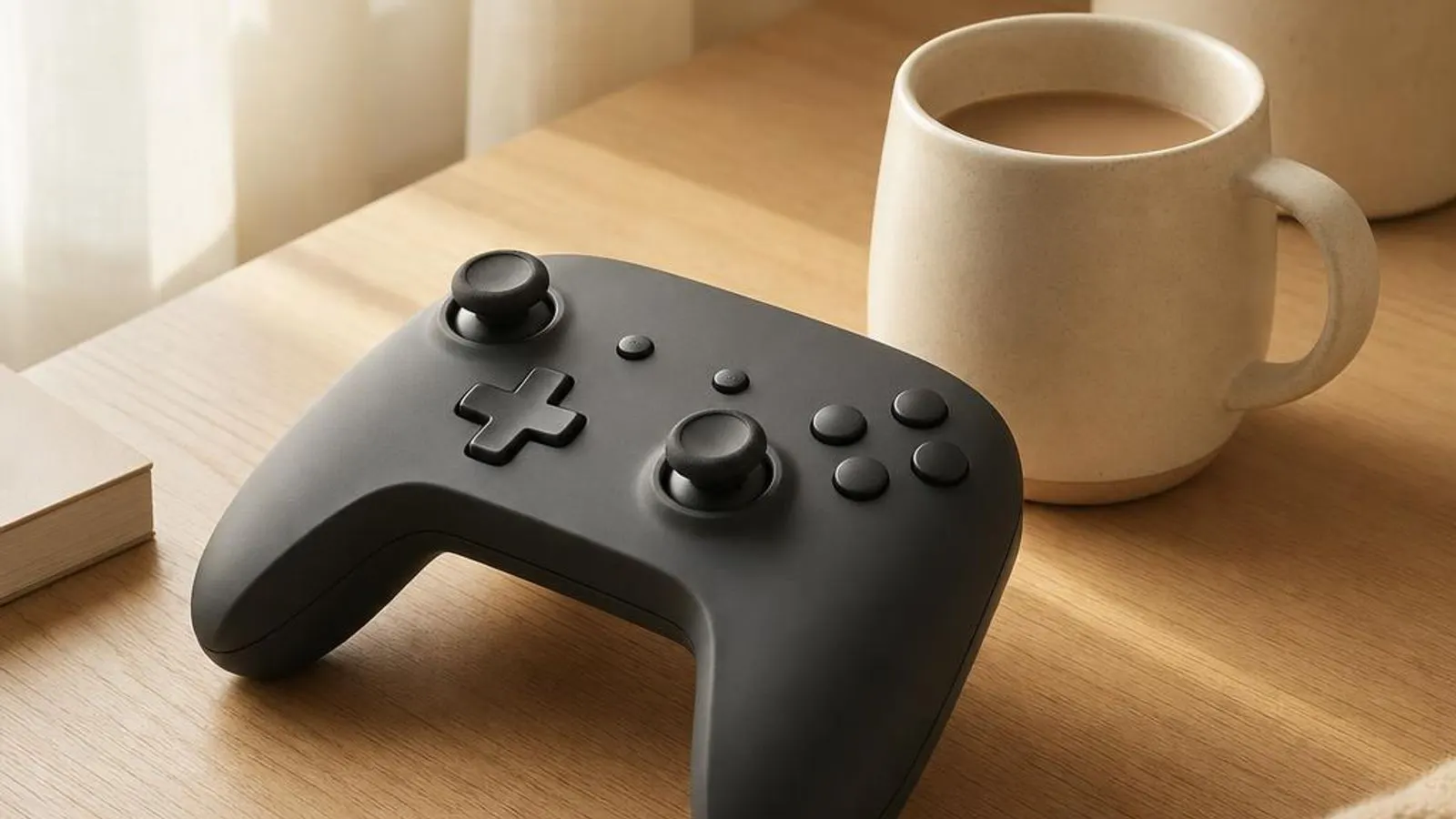
generic gamepad, three-quarter view shown with twin sticks, d-pad, four face buttons, shoulder triggers

You might also need

Game Controller drivers we cover
What does a game controller driver do?

A game controller driver translates the analog and digital inputs of a gamepad into signals that Windows and games can read. Inside the controller, potentiometers or Hall-effect sensors measure each analog stick's position, analog triggers report how far they are pulled, and the face and shoulder buttons report simple pressed states. A microcontroller samples all of this, packages it, and sends it over USB, a 2.4GHz wireless dongle or Bluetooth as HID (Human Interface Device) reports.

Windows exposes controllers to games through two main programming interfaces. XInput is the modern standard designed around the Xbox controller layout, with a fixed set of two sticks, two analog triggers, a directional pad, standard buttons and dual-motor rumble. Because the layout is fixed, games written for XInput map every control correctly without per-pad configuration, which is why an Xbox pad simply works in most current titles.

Read the full game controller driver explainer

Why keeping it updated matters

Controller driver and firmware updates fix concrete faults rather than promising a vague edge. A frequent one is stick drift, where the cursor or camera moves with no input; while worn potentiometers are often the root cause, a firmware update can add or widen a deadzone to mask early drift. Another is the pad recognised in Windows but ignored by games, typically an XInput versus DirectInput mismatch that a corrected driver or the vendor app resolves.

Wireless behaviour is a common reason to update. A stale Xbox wireless adapter driver or Bluetooth stack can cause input lag, button latency or a controller that disconnects mid-session. Refreshing the adapter driver and the controller firmware often stabilises the link and cuts latency. After a Windows feature update, rumble or trigger response sometimes changes because the inbox XInput driver was replaced, and reinstalling the correct driver restores it.

Common warning signs of game controller driver failure

  • A stick moves the camera or cursor with no input, the classic sign of analog stick drift
  • Windows sees the controller in Game controllers but games do not respond to it, an XInput or DirectInput mismatch
  • The wireless controller lags, stutters or disconnects mid-game under interference or a stale adapter driver
  • Rumble or the analog triggers behave differently after a Windows feature update replaced the inbox driver
  • A DualSense connects but adaptive triggers, haptics or the gyro do not work in a given game
  • Device Manager flags the controller or its wireless adapter with a code such as 10, 28 or 43

How to fix game controller driver problems

1

Verify the controller in the Windows test panel

Press Windows and R, type joy.cpl and open the controller's properties to watch buttons and axes respond in real time. If the panel shows correct input, the driver and hardware are fine and the problem is game-side XInput or DirectInput mapping rather than the controller driver.

2

Reconnect and reinstall in Device Manager

Open Device Manager, find the controller under Xbox Peripherals or Human Interface Devices, right-click it and choose Uninstall device, then reboot so Windows redetects it. This rebuilds the XInput or HID game-controller binding and clears many unresponsive or half-mapped controller faults.

3

Refresh the controller driver via Windows Update

Open Settings and go to Windows Update, click Check for updates, then open Advanced options and Optional updates. Install any listed controller or Xbox Wireless Adapter driver and reboot. This is the supported route to maintained XInput and HID game-controller drivers and the wireless adapter driver.

4

Apply controller firmware from the maker

For drift, latency or trigger faults, install the controller's firmware update via the maker's app from your model's support page, such as the Xbox Accessories app or a third-party configurator. Never disconnect the pad during the flash, as an interrupted firmware write can leave it unable to pair.

See every step in detail

Helpful guides

Frequently asked questions

Why does my controller stick drift and move the camera on its own?

Stick drift is usually a worn potentiometer sending small signals at rest, though a firmware fault can also narrow the deadzone. Try a controller firmware update from the maker's app to widen the resting deadzone, and recalibrate in the Windows controller panel. If drift persists across games and calibration, the stick module is failing and needs replacement rather than a driver fix.

Why does Windows see my controller but games don't respond to it?

That is almost always an XInput versus DirectInput mismatch. Many modern games only read XInput, so a DirectInput pad is detected in joy.cpl yet ignored in-game. Switch the pad to its XInput mode if it has one, or route it through Steam Input so it is re-presented as an Xbox controller the game understands, then reboot and retest.

Why do my DualSense adaptive triggers and haptics not work on PC?

Adaptive triggers, haptics and gyro are DualSense features that are not part of native XInput, so most games ignore them when the pad connects directly. Enable controller support in Steam so Steam Input exposes those features, and play through a title that supports them. Over a plain Windows HID connection the DualSense still works for basic input only.