NVMe SSD drivers
High-speed solid state drive controller drivers.
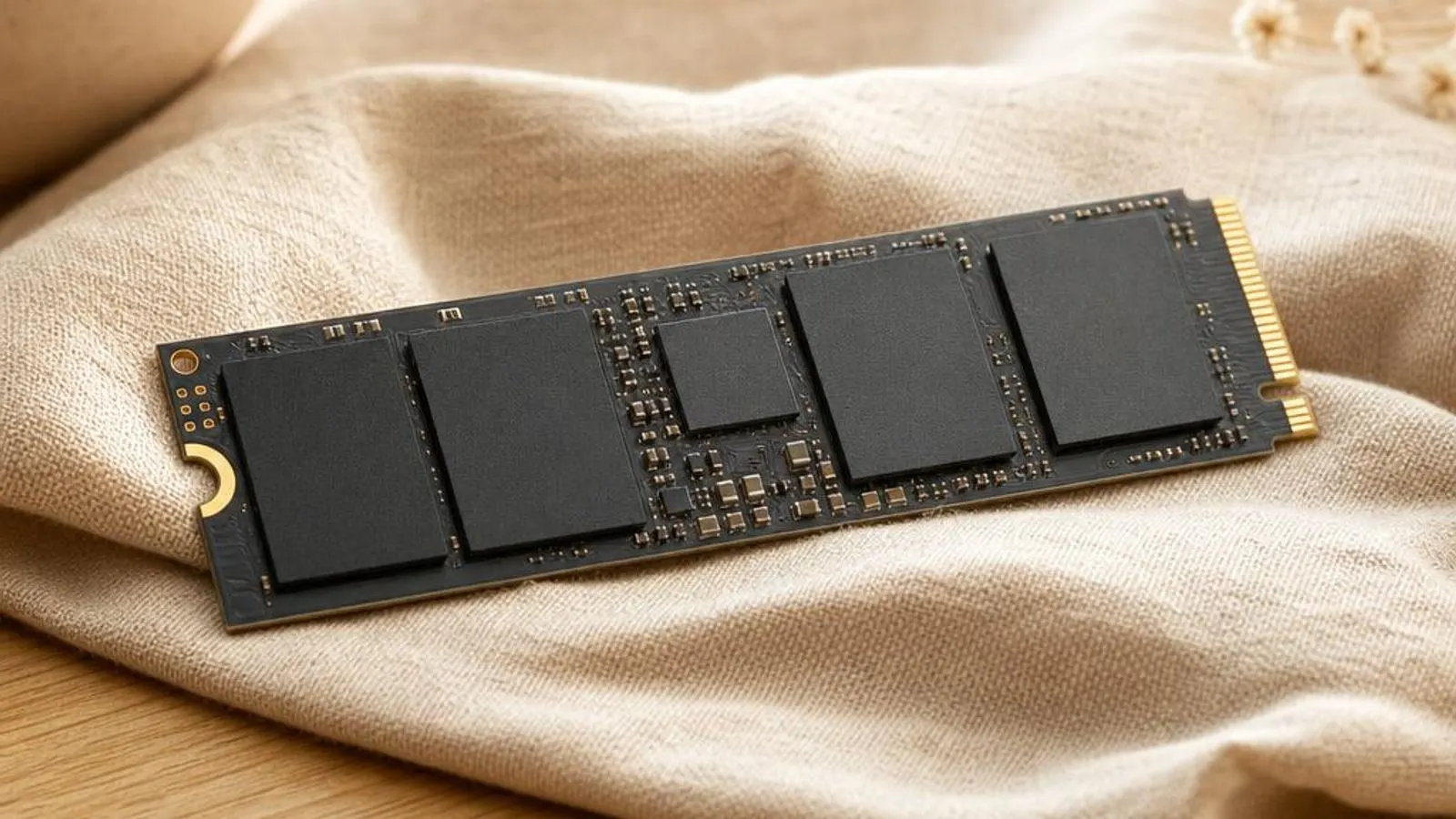
You might also need
NVMe SSD drivers we cover
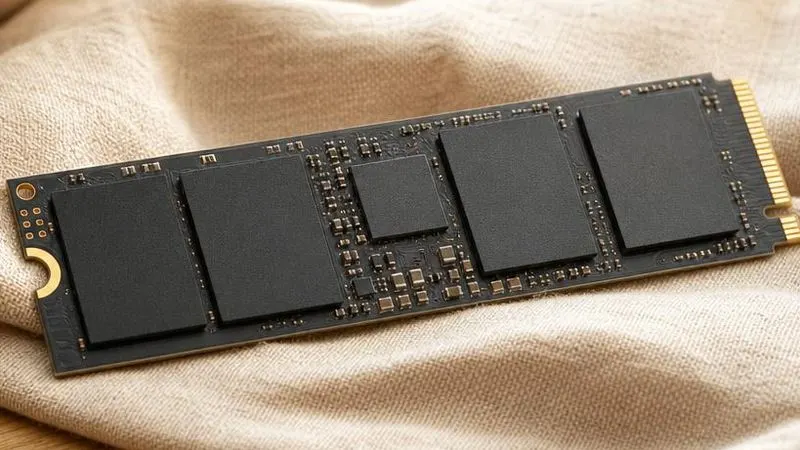
What does a nvme ssd driver do?
NVM Express, NVMe, was designed for flash from the start, unlike AHCI which was built for spinning disks. Its defining feature is deep parallelism: the driver and controller share up to 65,535 command queues, each up to 65,535 entries deep, so thousands of I/O requests can be in flight at once. The NVMe driver builds these submission and completion queue pairs in memory, rings a doorbell register to tell the controller work is waiting, and processes completions via interrupts, usually MSI-X vectors spread across CPU cores.
That queue model is why NVMe crushes SATA on random I/O. A SATA SSD on AHCI has one queue thirty-two commands deep; an NVMe drive can keep every flash channel busy by fanning requests across many queues. The driver's job is to map operating-system I/O onto those queues efficiently, balance interrupts across cores, and translate logical block addresses into the commands the controller understands.
Why keeping it updated matters
The choice of NVMe driver, and its version, changes real behaviour. Microsoft's in-box stornvme.sys is stable and standards-compliant, but a vendor driver from the SSD maker can add features the generic path lacks: better queue tuning, drive-specific power-state handling, and management hooks its dashboard uses for firmware and health. Where a drive has known quirks, the vendor driver often carries the workaround.
More consequential than the driver is the SSD's own firmware, and this is where updating pays off. Firmware bugs have caused drives to disappear under sustained load, report a WHEA uncorrectable error, or mishandle a specific HMB size; the fixes ship as firmware updates for the exact drive model. Some notorious data-loss and premature-wear issues on particular drives were purely firmware faults that no driver change could address.
Common warning signs of nvme ssd driver failure
- The NVMe drive momentarily disappears from Windows under sustained writes, then reappears, sometimes with a WHEA error logged
- Disk active time sits at 100 percent with poor responsiveness while transfer rates stay low
- Sequential speeds fall off a cliff after tens of gigabytes as the SLC write cache fills and the drive throttles
- A DRAM-less drive shows weak random performance because the Host Memory Buffer was not allocated correctly
- The system stutters or the drive drops out on a laptop as an aggressive APST state fails to wake cleanly
- The drive is missing from Windows setup because the platform is in RAID/VMD mode without the matching driver loaded
How to fix nvme ssd driver problems
Confirm the drive is enumerating correctly
Open Device Manager, expand Disk drives and Storage controllers, and confirm the NVMe drive and its controller appear without a yellow triangle. Cross-check in Disk Management that the volume is present, so you know whether the fault is enumeration, power state, or the file system.
Update the drive firmware
Run the SSD maker's dashboard for your exact model and apply any listed firmware update, then reboot. Many drop-out, WHEA, and HMB faults are firmware bugs, so this resolves more real problems than any driver reinstall on the storage stack.
Relax aggressive APST on laptops
If a laptop drive stutters or vanishes at idle, ease the deepest power state: in Windows advanced power settings, raise the NVMe idle timeout or disable the most aggressive APST tier via the maker's tool, so the controller does not enter a state it wakes from poorly.
Address thermal throttling
If sequential speed collapses after sustained writes, check the controller temperature in the dashboard. Fit or reseat the M.2 heatsink and improve airflow so the drive does not throttle to protect the flash once the SLC cache is exhausted.
Error codes linked to this hardware
Helpful guides

Should You Use Driver Updater Software?
Driver updater tools promise one-click fixes but add risk. Here's what they really do, when they cause problems, and the safe way to check drivers yourself.

DCH vs Legacy Drivers in Windows 10/11
DCH drivers split hardware support from control-panel apps in Windows 10/11. Why the change happened and how to tell which type you have.

How to identify unknown devices with hardware IDs
A practical walkthrough for naming every mystery entry in Device Manager using hardware IDs, driver details, and Windows' built-in tools.
Frequently asked questions
Why does my NVMe drive disappear under heavy writes and then come back?
A drive that vanishes under sustained load and returns, often with a WHEA entry, is usually hitting a firmware fault or an APST wake problem rather than a driver bug. Update the drive's firmware for its exact model first, and on laptops relax the deepest power state so the controller does not enter an idle mode it cannot leave cleanly.
Why do my sequential write speeds collapse after copying tens of gigabytes?
Most consumer NVMe drives use a fast SLC write cache that absorbs bursts. Once it fills during a large sustained transfer, writes fall back to slower native flash and, if the controller heats up, it throttles to protect the NAND. This is expected behaviour, mitigated by an M.2 heatsink, not a driver defect.
Why is my DRAM-less SSD's random performance so poor?
A DRAM-less drive keeps only part of its flash-translation mapping in an on-controller cache and uses the Host Memory Buffer in system RAM for the rest. If the HMB is not allocated at the size the drive expects, random reads and writes fall back to slow flash lookups. Current firmware and driver ensure the HMB is negotiated correctly.
