TPM drivers
Trusted Platform Module interfaces, measured boot, protected keys, and TPM 2.0 platform requirements.
You might also need
TPM drivers we cover
Quick facts
- Hardware family
- System & Storage
- Works with
- Windows 11, Windows 10
- Last reviewed
- Aug 18, 2026
Reference scope
DriverUpdateMax documents driver purpose, architecture, terminology, and compatibility. It does not distribute driver packages or provide repair, installation, or technical-support services.
What does a tpm driver do?
A Trusted Platform Module is a small, isolated cryptographic processor with its own protected storage. It performs a fixed menu of security operations: generating and storing keys that never leave the chip, hashing boot measurements, and signing attestation statements that prove what code the machine booted. The TPM driver, tpm.sys in Windows, is the transport that carries commands and responses between the OS and that processor over the TPM's command interface.
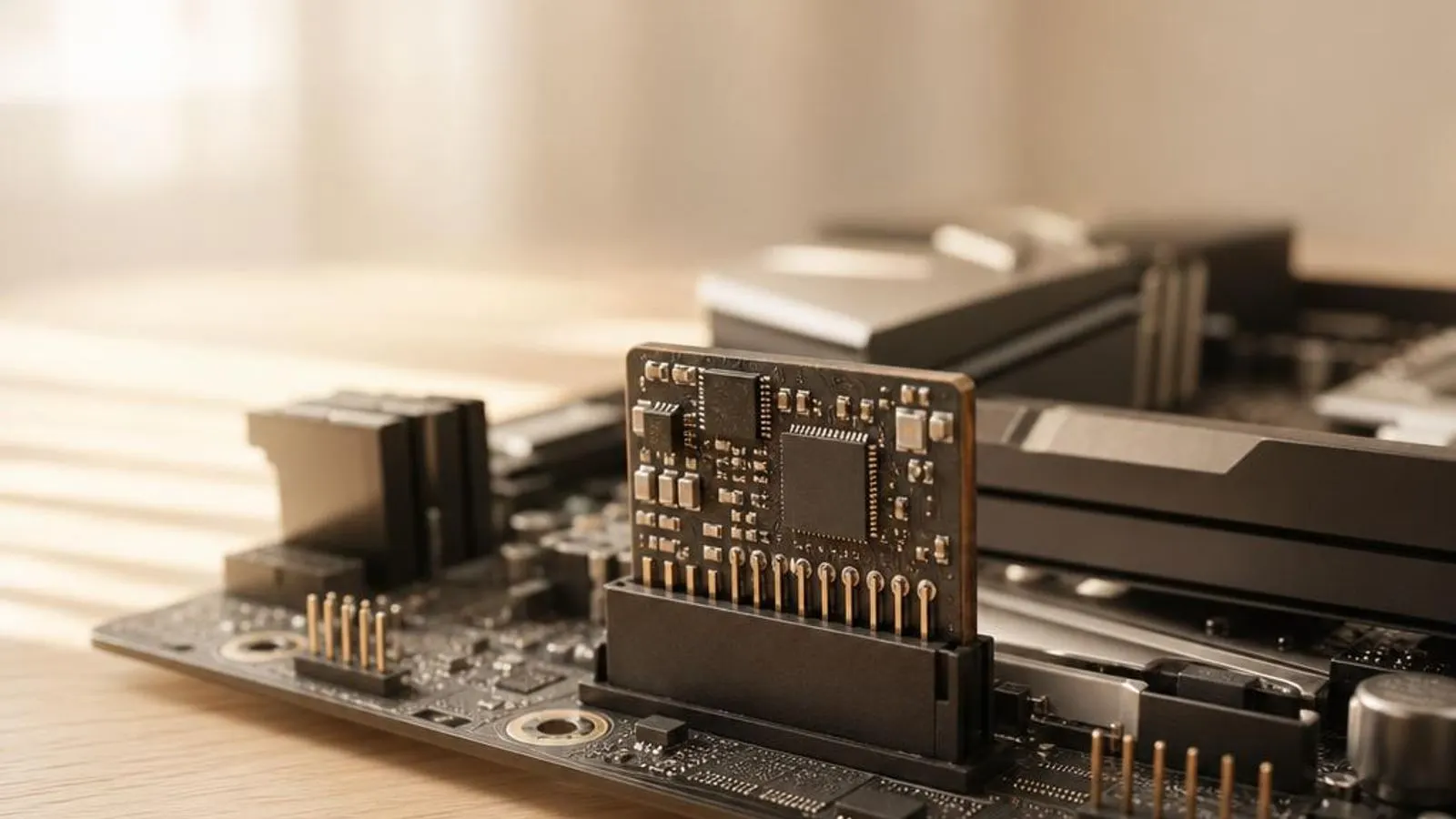
The module comes in three physical forms, and the driver abstracts all of them. A discrete TPM (dTPM) is a dedicated chip soldered to the board or on a header. Intel PTT and AMD fTPM are firmware TPMs, running the same TPM 2.0 command set inside a protected mode of the CPU rather than in separate silicon. To Windows they look alike, because the driver presents one standard interface regardless of the underlying implementation.
Compatibility is model-specific
A driver is associated with hardware identifiers, an operating-system driver model, and a processor architecture. Devices in the same category can expose different controllers, firmware interfaces, and optional feature layers, so a category name alone does not establish package compatibility.
Where this driver fits in Windows
The tpm driver sits between Windows, the applications you use, and the physical hardware. This layered view shows where the driver translates operating-system requests into device actions.
Observable tpm device states
These observations can involve hardware, firmware, operating-system services, applications, or a driver. They are descriptive rather than diagnostic.
- BitLocker demands its 48-digit recovery key on every boot even though the disk and hardware are unchanged
- AMD fTPM causes brief, repeating stutters or audio dropouts during gaming or heavy I/O
- Windows 11 setup reports the PC is unsupported because no TPM 2.0 is detected
- The security processor shows a yellow triangle or 'device cannot start' in Device Manager
- An anti-cheat system refuses to launch a game, citing a missing or non-compliant TPM 2.0
- tpm.msc reports the TPM is not ready, or shows a 1.2 module where 2.0 is expected