Driver Layers on a Newly Built PC
An architectural map of inbox support, motherboard components, network connectivity, graphics, audio, and optional utilities after Windows setup.
A new Windows installation begins with inbox drivers selected from the installation image. Additional packages add hardware-specific capabilities, names, and control applications.
Topic 1
The inbox baseline
Microsoft includes storage, USB, display, HID, and networking classes needed by common hardware. Basic display or network operation indicates class support, not necessarily access to every acceleration, radio, power, or vendor-control feature.
Topic 2
Platform and component layers
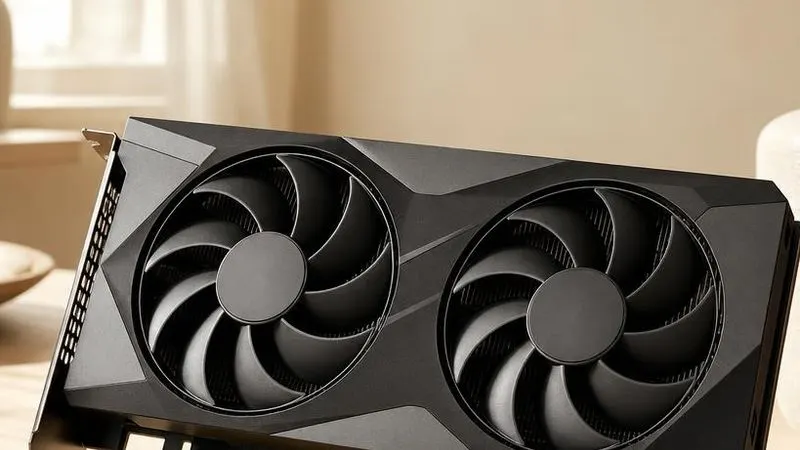
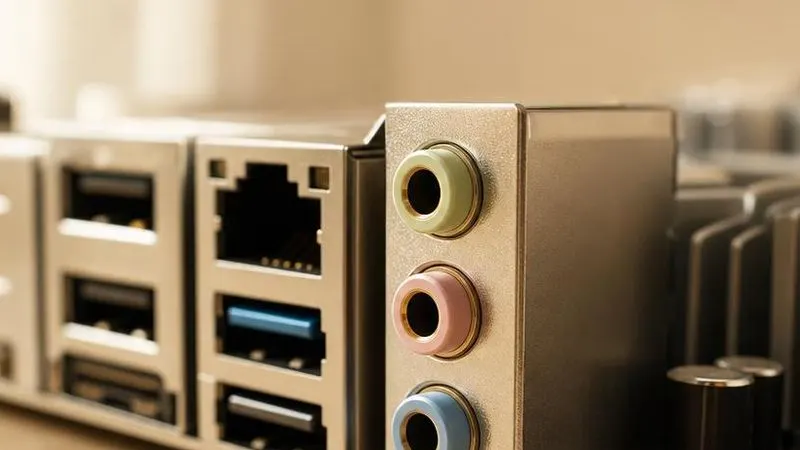
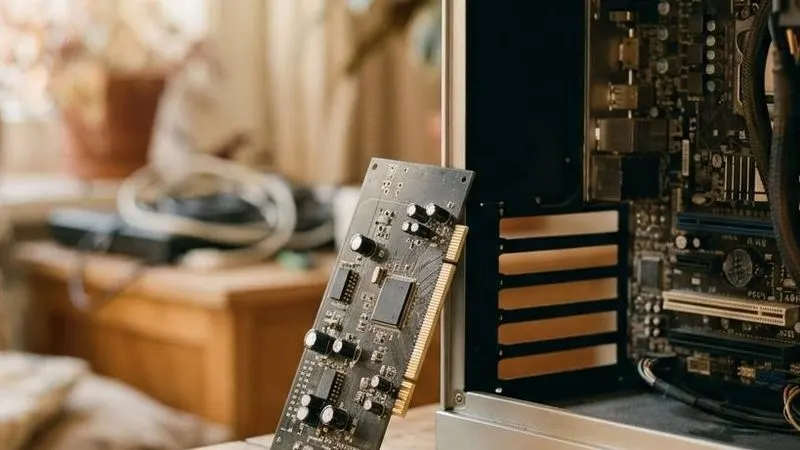
Motherboard packages describe chipset and embedded controllers. Discrete GPU and network packages come from their component publishers, while laptop and branded desktop packages may add OEM extensions. Audio often combines a codec driver with board-specific processing.
Topic 3
Optional software
RGB suites, fan dashboards, overlays, and tuning tools are applications rather than prerequisites for basic hardware enumeration. Some include privileged services or filter drivers, so their architectural impact is larger than their user-interface role suggests.