Audio Driver Stacks After a Windows Upgrade
How codec drivers, buses, APOs, services, endpoints, and OEM extensions combine in Windows audio, and why upgrades can expose mismatched layers.
Windows audio is a stack of device and software components rather than one file. An operating-system upgrade can preserve some layers while replacing or reclassifying others.
Topic 1
Hardware and bus layers
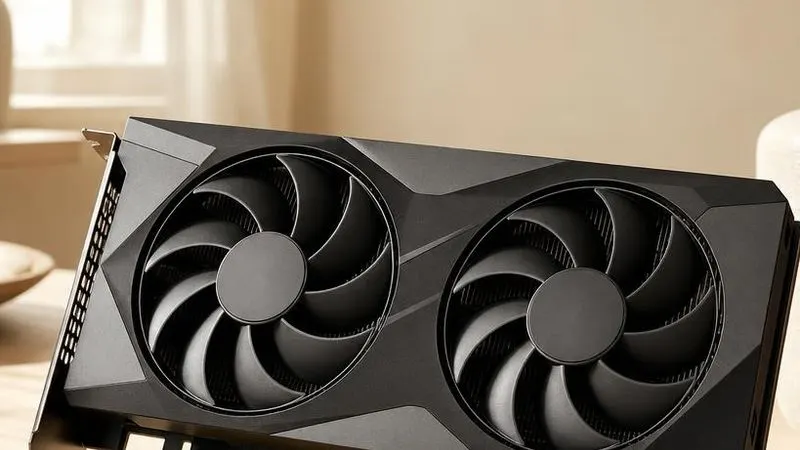
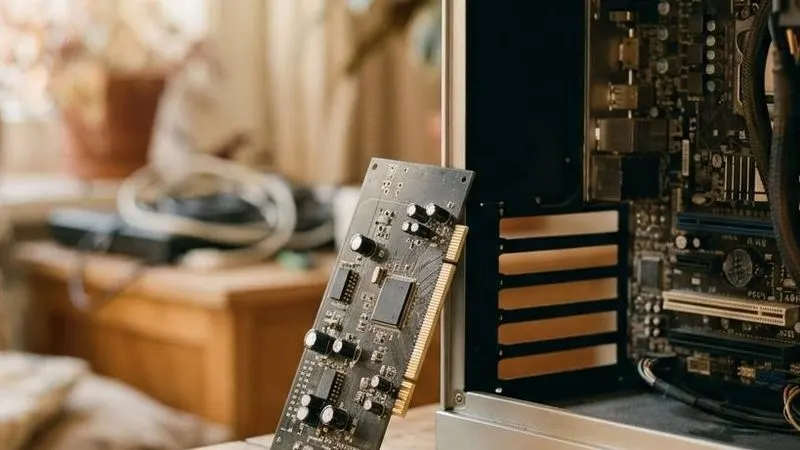
HD Audio, USB Audio, and Bluetooth expose different buses and functions. A codec package can depend on the motherboard or GPU bus driver that enumerates it. HDMI audio is commonly part of the graphics device rather than the onboard codec.
Topic 2
Audio processing objects
APOs implement effects such as equalization, beam forming, noise suppression, and speaker tuning. OEM services and extension INFs associate these components with particular endpoints. Generic class support may produce sound without those model-specific characteristics.
Topic 3
Upgrade migration
Windows migrates device instances, endpoint identities, preferences, and compatible packages during a feature update. Changed identifiers or extension dependencies can create duplicated endpoints or a base package without its associated processing layer.