Network Adapter Initialization
An explanation of Plug and Play start failures involving package compatibility, firmware, resources, filters, power state, and platform policy.
Device Manager start codes summarize a failure stage; they are not diagnoses. A network adapter relies on its bus, firmware, NDIS miniport, filter stack, and Windows networking services.
Topic 1
Enumeration versus start
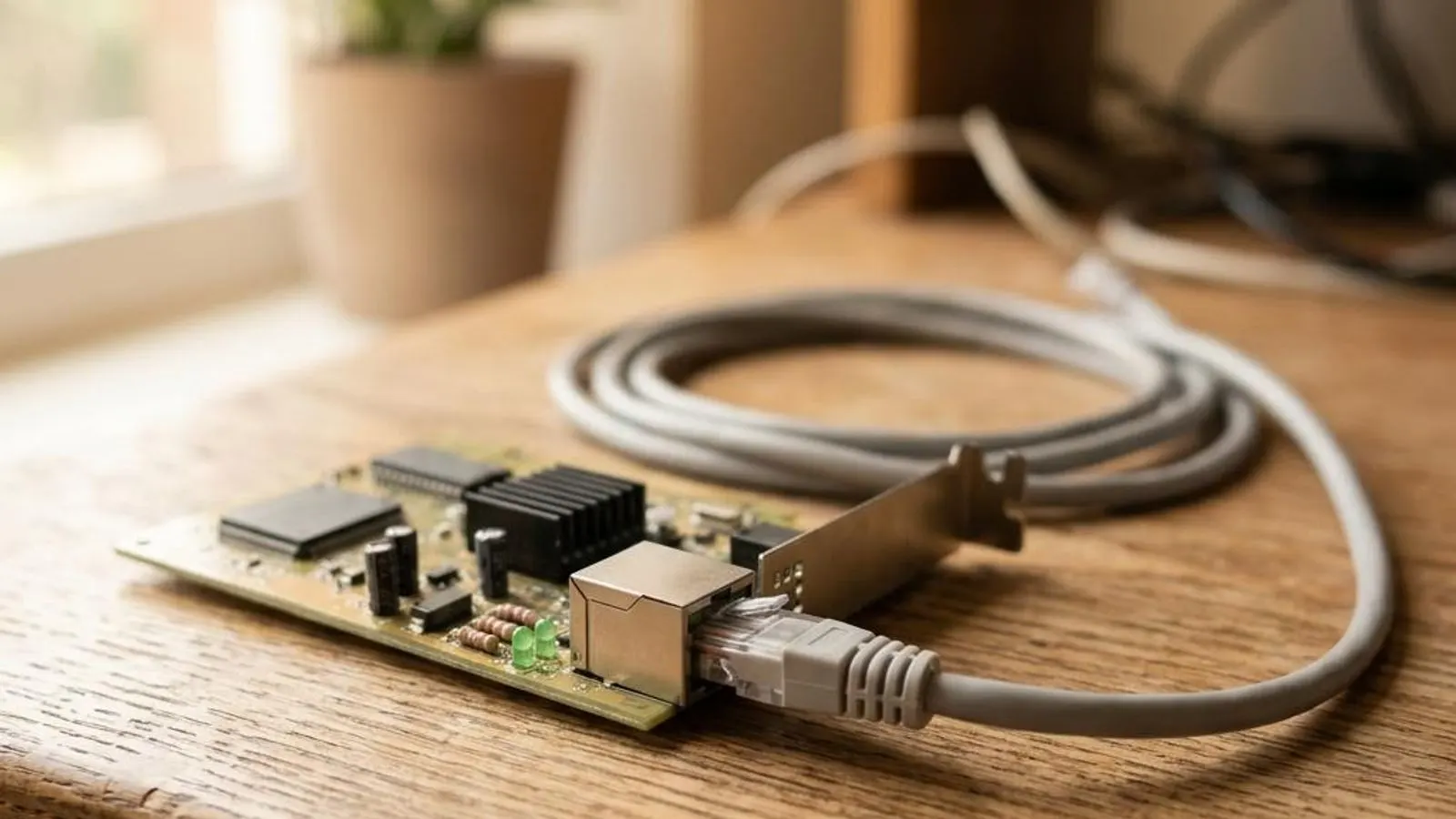
A PCIe or USB adapter can be enumerated correctly yet fail when Windows starts its function driver. Code 10 is a broad start failure, Code 31 indicates a driver-loading problem, and Code 12 refers to resource assignment. Their boundaries matter.
Topic 2
NDIS stack
The vendor miniport connects hardware to NDIS. VPN, security, virtualization, and traffic-shaping products can add filter drivers above it. A filter binding problem can affect network operation even when the physical adapter package is valid.
Topic 3
Firmware and power
Some radios load firmware during startup and depend on platform ACPI or rfkill-style state. Sleep residue, firmware rejection, a disabled radio, or PCIe power transitions can prevent readiness without changing the adapter’s hardware ID.